How to Print Children’s Worksheets Neatly and Economically
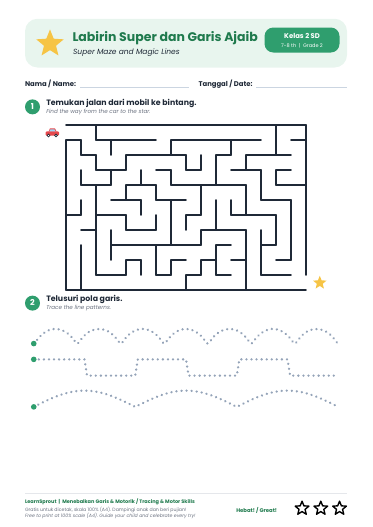
A well-printed worksheet makes it more comfortable for children to work. Cut-off lines or shrunken pictures can confuse them, especially for line-tracing practice. Here are the settings to watch.
Choose the right paper size
A4 worksheets suit writing and colouring practice. The smaller A5 size suits illustrated stories or short exercises and saves paper. Pick the file that matches the paper you have.
Settings in the print dialog
- Scale: choose “Actual size” or 100%. Avoid “Fit to page” if the layout gets cut off.
- Orientation: follow the file’s orientation, usually portrait.
- Quality: standard quality is enough for lightly coloured worksheets.
Saving ink and paper
- Use ink-saver or greyscale mode for line-tracing practice.
- Print double-sided for worksheets that do not need a single sheet.
- Print two A5 pages on one A4 sheet, then cut.
- Laminate one copy and use erasable markers so it can be reused.
Paper weight
70–80 gsm paper is enough for pencils and crayons. For markers or watercolour, choose thicker paper so it does not bleed through.
If the print looks wrong
Check that the printer’s paper setting matches the file. If lines look blurry, clean the print head or replace the ink. Try one sample page before printing many.
Start printing
Every worksheet on LearnSprout is a free PDF download. Begin with the worksheet collection and choose one that fits your child’s age.